
Bonneville County Criminal Court Cases
Bonneville County felony prosecutions are tried in Idaho District Court. The Magistrate Division handles misdemeanors, infractions, initial appearances, bond matters, and preliminary felony proceedings. A felony may therefore begin before a magistrate and later move to a district judge. The Clerk of District Court maintains both divisions' judicial records at the Bonneville County Courthouse, 605 N. Capital Avenue in Idaho Falls. The Clerk, not the prosecutor or Court Assistance Office, is the right custodian for a filed complaint, information, register of actions, judgment, or certified court copy.
Case numbers commonly follow a CR-YYYY-number pattern. Older numbers may follow legacy rules that omit preceding zeros after the case type and year. That detail matters when a copied number returns no result. The public file records what was filed and decided in court. It does not substitute for the arresting agency's narrative or the jail's custody record.
Bonneville Court Divisions Compared
The charge level determines the path. Idaho has no broad Class A, B, or C misdemeanor ladder. An offense statute controls, while District Court takes felony trials and the Magistrate Division takes misdemeanor cases. A booking charge can change when the prosecutor reviews the evidence. Searchers should read the filed charge and its disposition instead of treating the jail label as final.
A felony record may contain events from both divisions. The Magistrate Division conducts the first appearance, considers bond, and handles the preliminary hearing. If probable cause is found or waived, the felony proceeds in District Court. Misdemeanor pleas, trials, and sentences ordinarily remain in the Magistrate Division. Search by case number whenever possible because a name search can return records from several courts or people with similar names.
| Record path | Bonneville County role | What to verify |
|---|---|---|
| Magistrate Division | Misdemeanors and early felony events | Plea, bond, hearing, transfer |
| District Court | Felony trial and sentence | Final charge and judgment |
| Clerk archives | Public copies not online | Document and certification |
Searching Bonneville County Case Records
Idaho iCourt Smart Search is the main remote access channel for Bonneville County criminal cases. Use the exact case number when known. For a name, the portal expects surname, comma, given name. Advanced filters can select Bonneville County and narrow a common name. Public access is generally available around the clock, but cookies, JavaScript, and occasional CAPTCHA checks can affect use. The official public search tutorial demonstrates the controls.
- Open Smart Search and expand Advanced Filtering Options.
- Select Bonneville County, then enter the full record number or a party as Last, First.
- Use the supported wildcard and filing or case filters only when the first search is too broad.
- Expand a party, open the linked case, and read charges, bond, events, disposition, and finances separately.
- For a missing public document, send the county court request form to courtarchives@bonneville.idcourts.gov or contact the Clerk.
| Field Label | Type | Required | Notes |
|---|---|---|---|
| Smart Search | Text | Yes | Case number or Last, First |
| Location | Filter | No | Select Bonneville County |
| Wildcard | Text syntax | No | Use a supported stem plus * |
| Search Hearings | Tab | No | Date, hearing type, party, or judge |
| Button | No | Select public information tiles |
Reading Bonneville iCourt Results
The manifest's official Smart Search source shows the state portal used for Bonneville County filings.
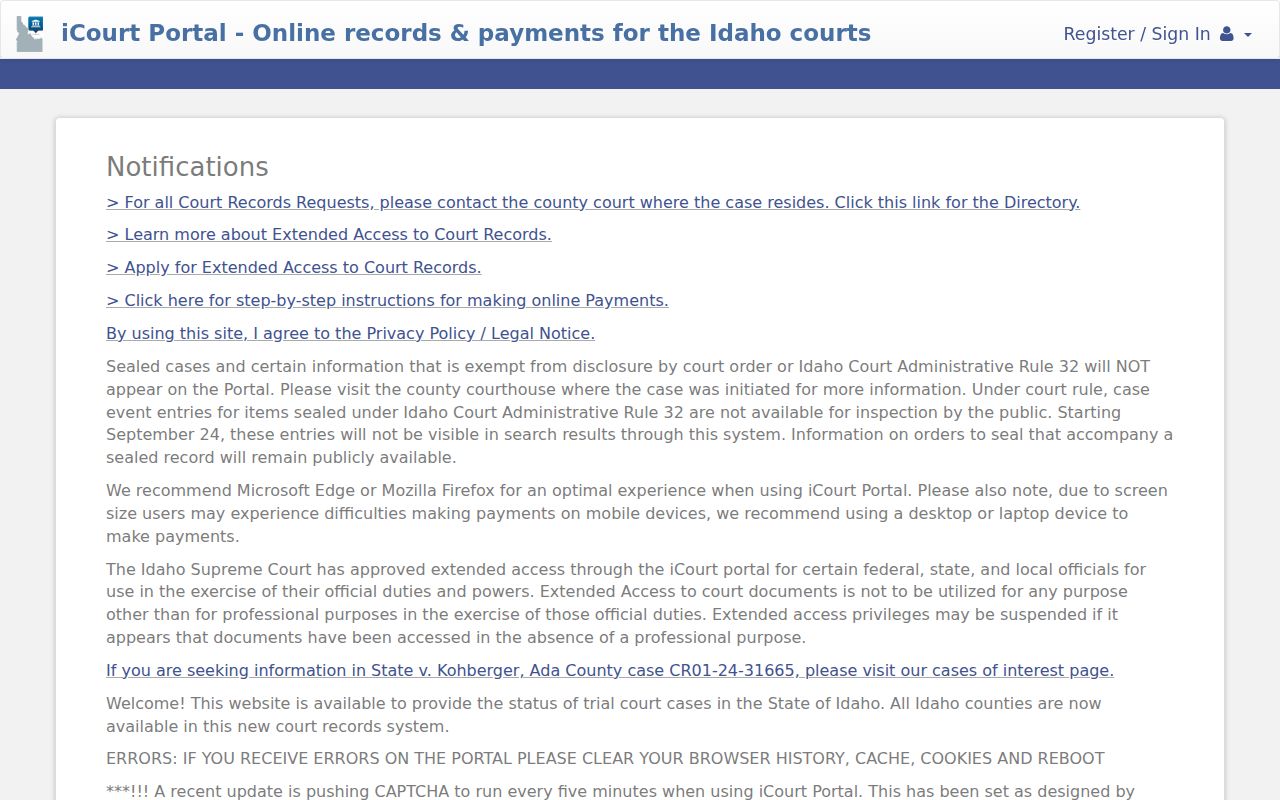
The screen is a starting index. Expand the party row before opening a case, and do not treat a hearing calendar as a final disposition. Within the case, inspect Case Information, Party Details, Charge Details, Bond Information, Disposition Events, Other Events and Hearings, and Financial Information. Documents appear only when approved for public access. Print controls can include or omit information tiles.
Read each charge separately. A closed case can contain different outcomes for different counts. A dismissal on one count does not describe the result of another. Likewise, a financial balance is only the portal's court-account entry. It may not resolve a separate restitution obligation or collection question.
The iCourt tutorial also appears in the assigned image set.
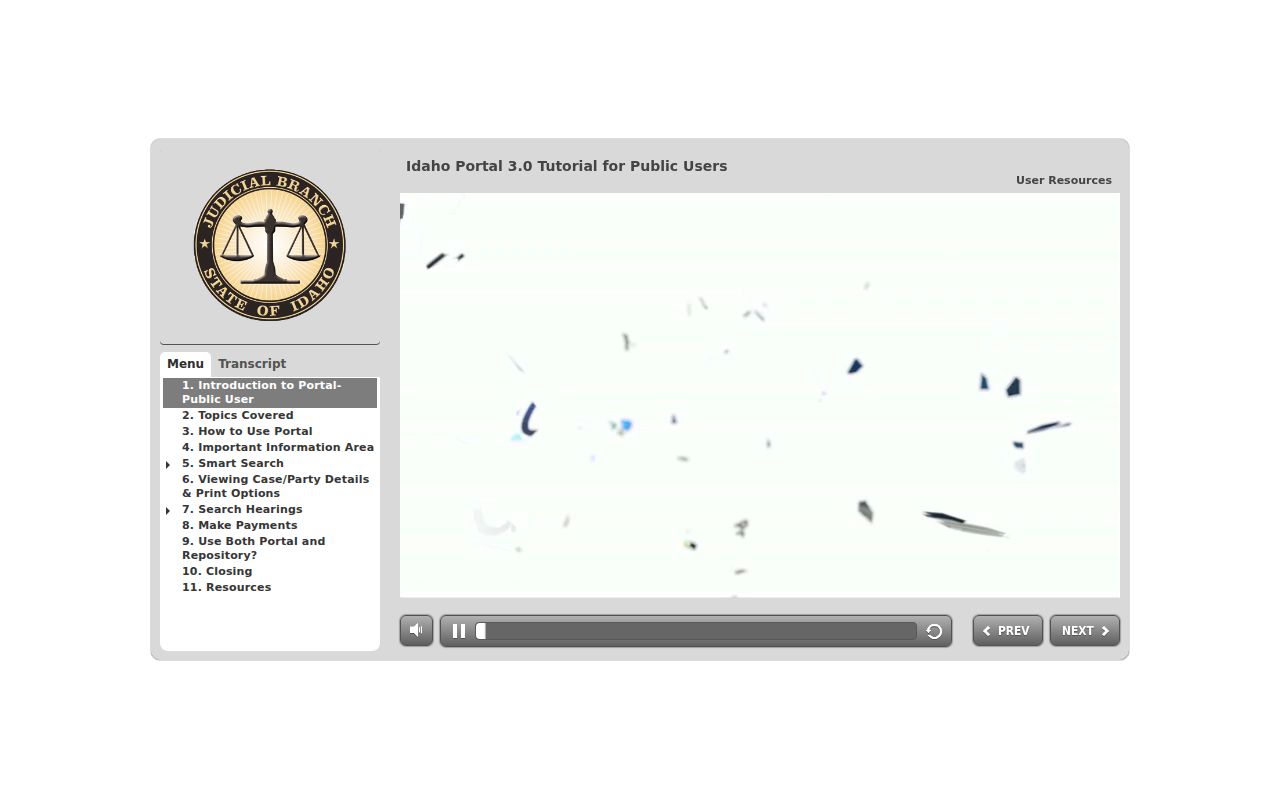
Its field guidance helps prevent a false no-result caused by name order, an omitted county filter, or a legacy case number. Search Hearings is a separate tool with county, hearing type, search type, search criteria, and date-range fields. Its result is a calendar entry, not proof that a hearing occurred or that the case ended.
Inside a Bonneville County Case File
A Bonneville County case page separates case-level facts from charge-level outcomes. Capture each charge on its own. A case may be marked closed while one charge was dismissed and another produced a conviction or withheld judgment. Events list filings and hearings in date order. Bond information describes release security, while financial entries show the court account and do not necessarily prove that every separate restitution duty has been paid.
| Case number and court | CR number, location, filing date, category, and judge |
|---|---|
| Charging document | Complaint, information, or indictment filed with the court |
| Docket entries | Register of actions, motions, orders, and filed events |
| Hearing dates | Initial appearance, arraignment, pretrial, trial, and review dates |
| Disposition and judgment | Plea, dismissal, acquittal, conviction, or withheld judgment by charge |
| Sentence and conditions | Custody, probation, fines, fees, and public financial entries |
Bonneville Files Beyond State Court
Federal charges do not appear as Bonneville County District Court cases. The assigned PACER source is the official federal docket channel.
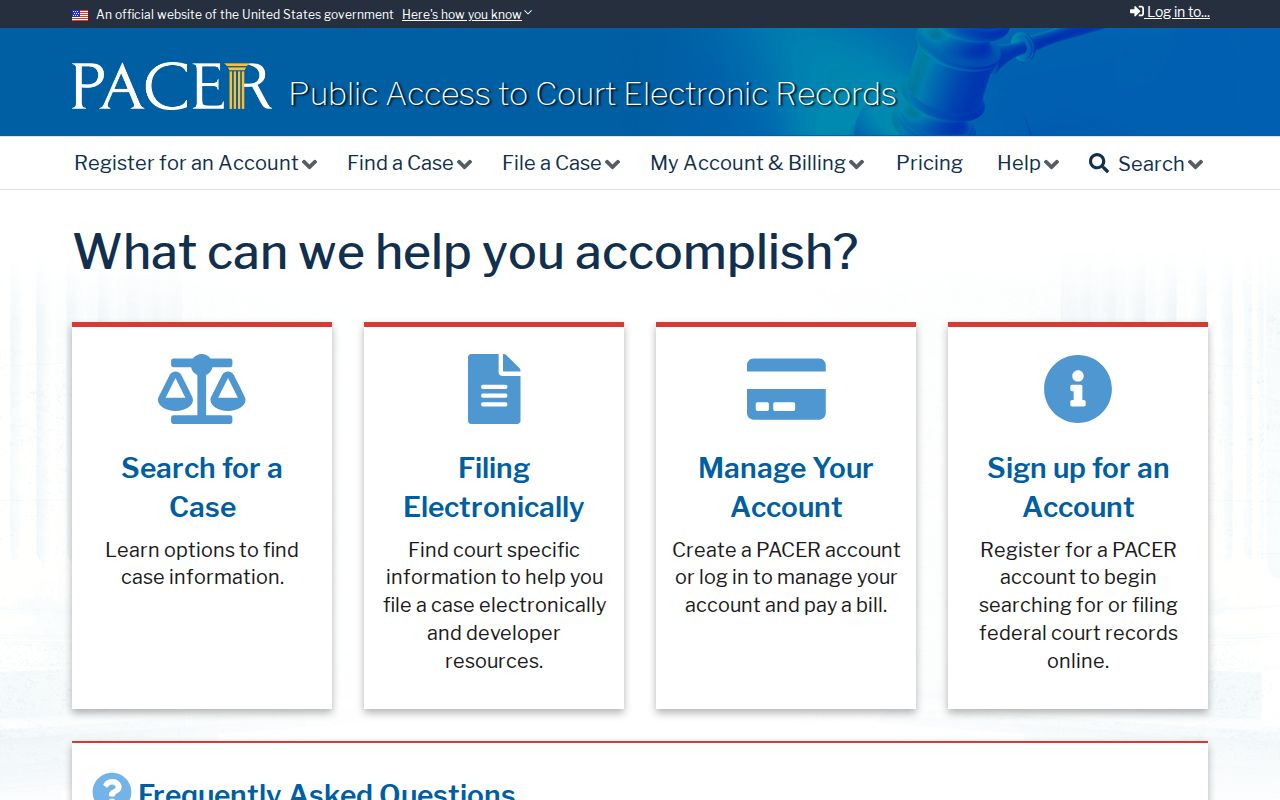
PACER requires its own account and covers the federal file, not a county prosecution.
For federal custody after sentence, the Bureau of Prisons locator is a different official layer.
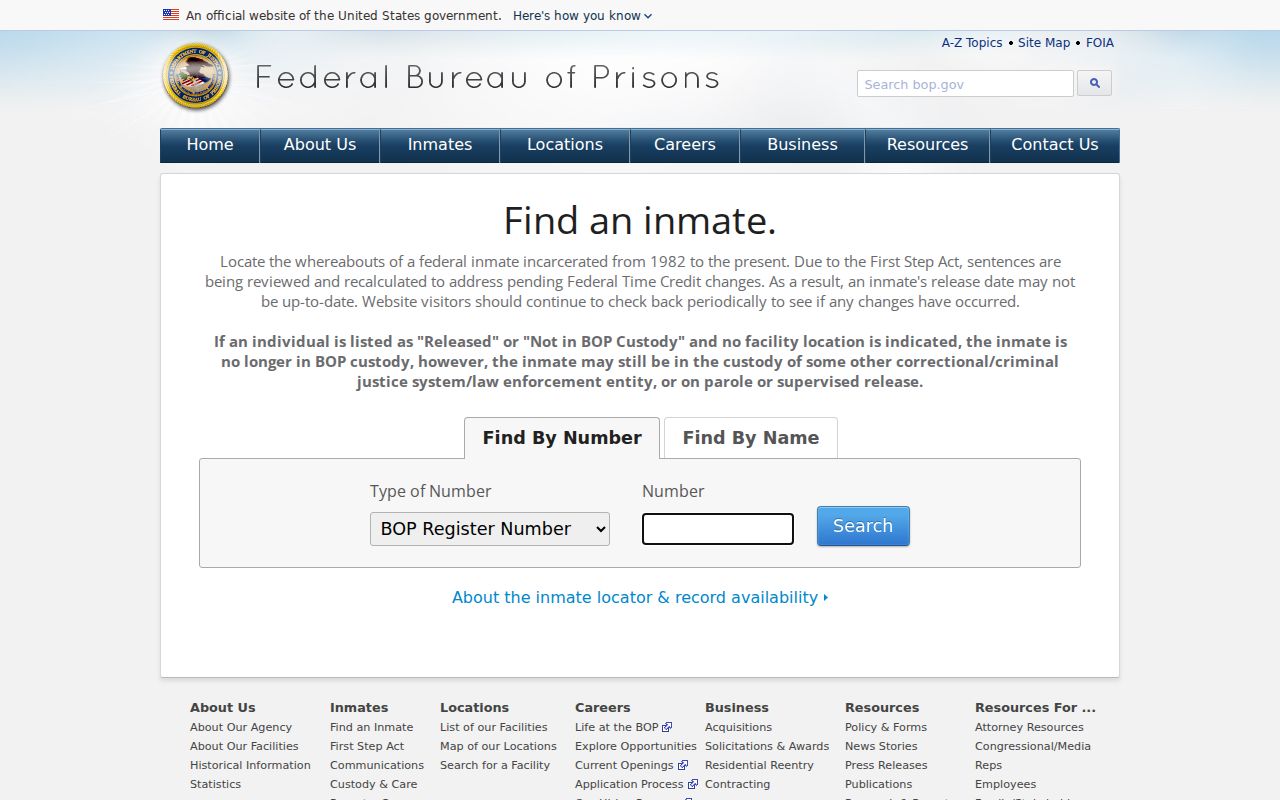
The locator shows custody information, not the motions, evidence, or disposition contained in a federal docket.
How a Criminal Case Moves
The court file begins when a prosecutor files a charge, not simply when an officer makes an arrest. A magistrate advises the accused, addresses release, takes a plea in a misdemeanor, and conducts preliminary felony steps. Felony matters that proceed move to District Court. Pretrial motions and negotiations may change the charge. A plea or trial then produces a charge-specific outcome, followed by judgment and sentence when there is a conviction.
Case flow: Charges Filed › Arraignment › Pretrial › Plea or Trial › Disposition › Sentencing
Bonneville Prosecutor Files Differ
The Bonneville County Prosecuting Attorney has a Criminal Division for Juvenile, Magistrate, and District matters, plus legal assistants and an Investigations Division. Its work helps create the prosecution, but its internal file is not the Clerk's judicial file. Discovery, victim data, work product, and active investigation material can face separate limits. For the public outcome, start with iCourt and the Clerk.
Victim and witness coordinators handle rights, compensation, and restitution matters, while investigators support trial preparation. Those functions explain why a prosecution office can possess material that never becomes a public court document. The charging instrument, filed motions, judicial orders, plea, verdict, judgment, and sentence belong to the Clerk-held case record. A public-record request to the prosecutor should not be used as a substitute for the court archive route.
The manifest includes the prosecutor's official critical-incident review archive.
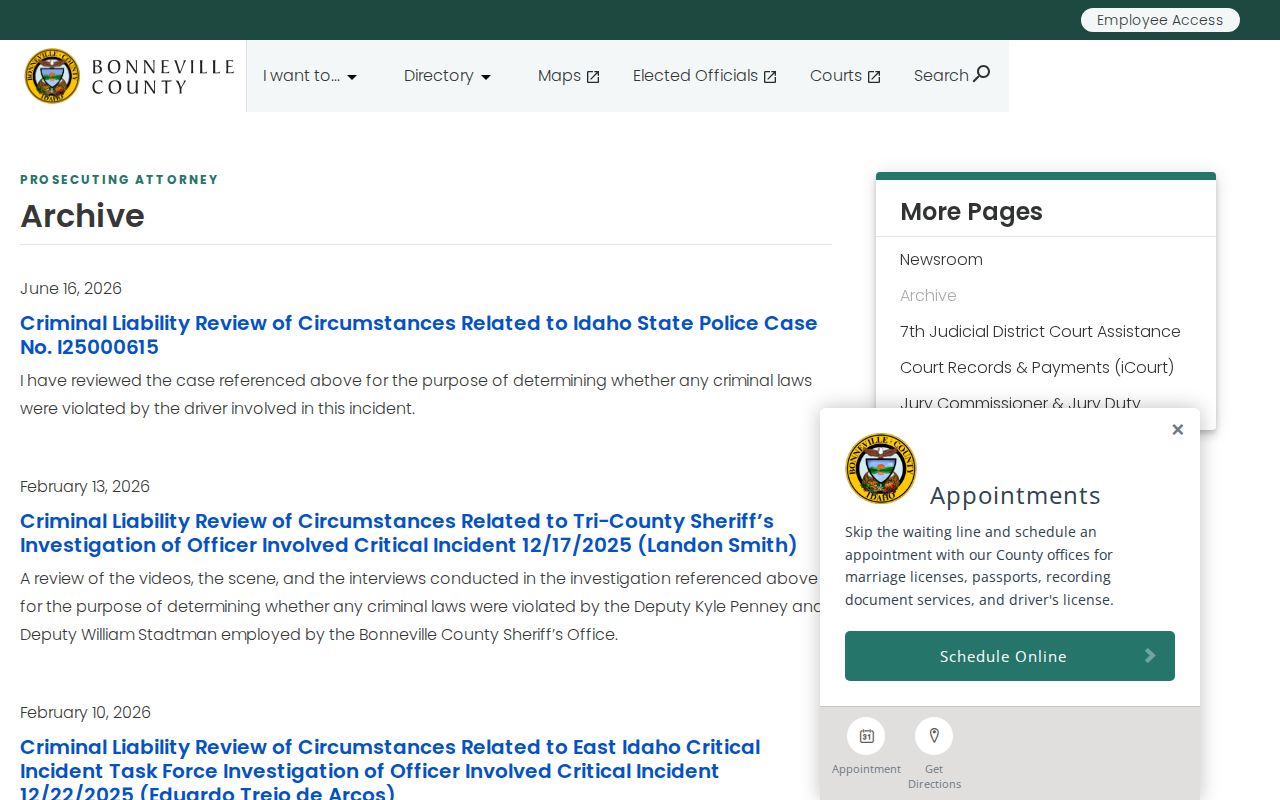
Those dated reviews offer context for selected incidents, but they are not a substitute for searching the linked criminal case docket.
Requesting Missing Bonneville Case Files
A public case can appear in iCourt even when the document a reader needs is not available for remote download. Start with the exact case number and identify the document by its docket date or title. Bonneville County directs court-record requests to a separate court form, not the law-enforcement request portal. Complete the form with the most detail available and send it to courtarchives@bonneville.idcourts.gov. A request for the judgment, sentencing order, or charging document is clearer than a request for every record tied to a name.
The courthouse Clerk remains the fallback when the portal cannot display a public item. Call 208-529-1350 before traveling if certification, an older file, or access at a courthouse terminal may be needed. Clerk hours are Monday through Friday, 8 a.m. to 5 p.m., excluding holidays. A certified copy carries the Clerk's formal authentication; a portal printout does not. Ask about the applicable copy charge because the research did not establish a single current court-copy fee.
Case Record Access and Restrictions
Idaho Court Administrative Rule 32 governs public access and protects material such as sealed cases, confidential identifiers, and specified juvenile or victim information. A public user cannot see an entry that the rule excludes. No online result therefore does not prove that no protected matter exists. Some public documents also may not be downloadable, even when basic case details appear.
For an older or missing public record, complete the county court request PDF with as much detail as possible and email it to courtarchives@bonneville.idcourts.gov. The Clerk counter is open weekdays from 8 a.m. to 5 p.m., excluding holidays. Ask whether an ordinary copy or certified copy is needed. The Clerk can explain access and fees but cannot give legal advice.